 Tracelyo
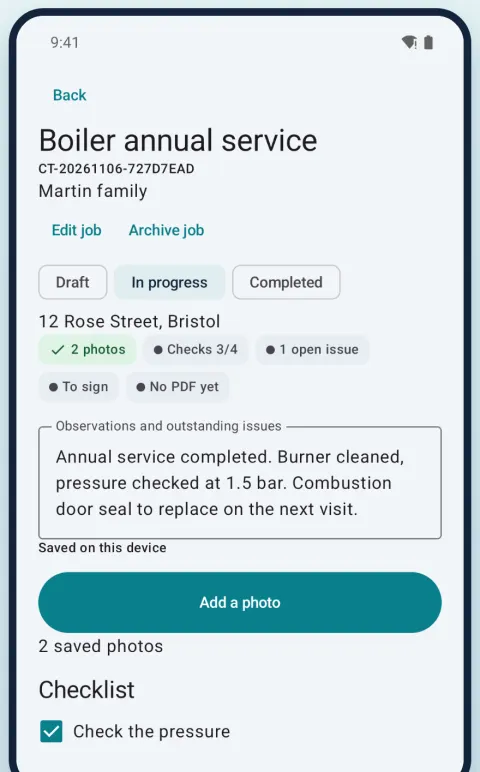
Jobs that work offline
Create a job in seconds, with the client and address, even in a basement with no signal. Your jobs and PDFs stay on your phone.
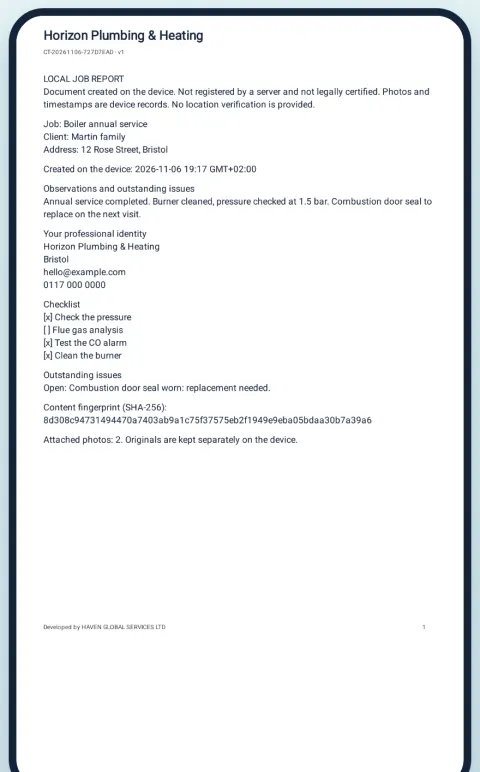
Turn each job into a clear PDF report, with photos, checks and your client’s signature, right on your phone. Even with no signal.
Tracelyo is in closed testing. The public release on Google Play is coming soon.
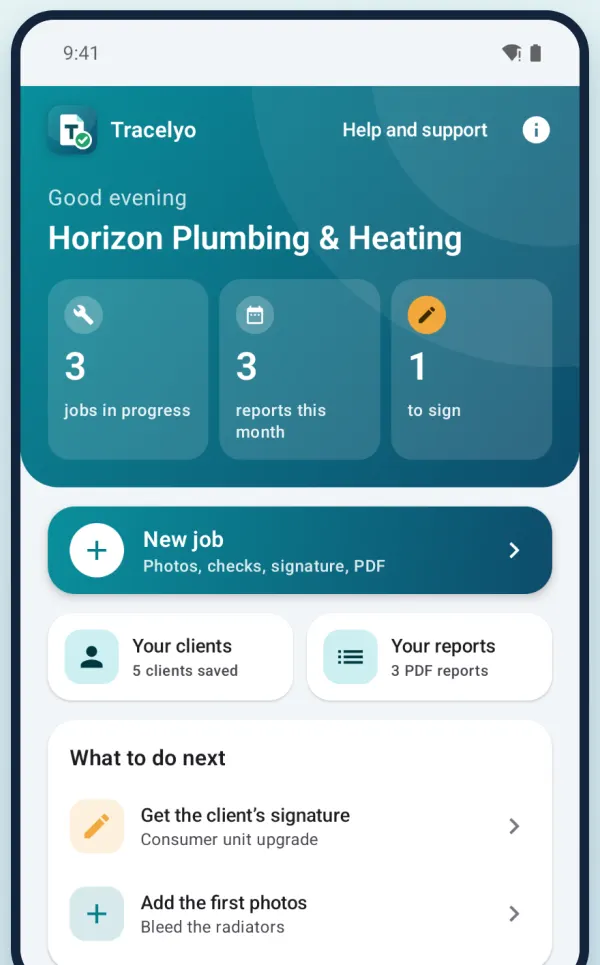
Plumbing, heating, electrical work, maintenance and small repairs: record the job on site and send the report before you leave.
Create a job in seconds, with the client and address, even in a basement with no signal. Your jobs and PDFs stay on your phone.
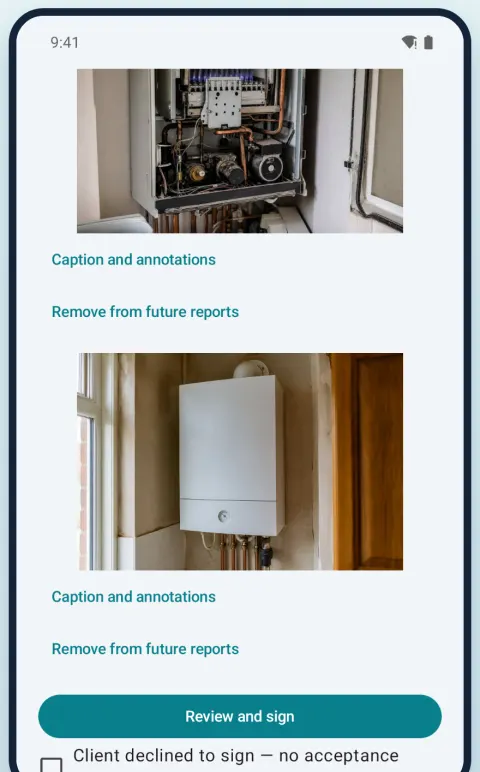
Before, during and after photos, with captions and annotations. Tick the checks you did and note what is left to do.
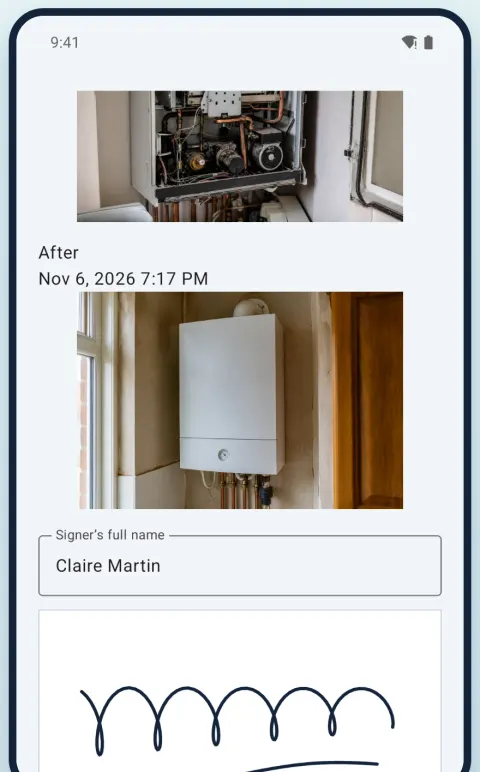
Your client reviews the record and signs on your phone. One tap gives a clear PDF with your business details and a SHA-256 content fingerprint that lets you check it has not been changed.
A signature records the client’s review of the version shown; it does not legally certify the work.
Your first report takes about five minutes.
No account needed. A one-minute guide shows you around.
Name, address, phone and email appear at the top of every PDF.
Title, client and address, a few photos and the checks you did.
Your client reviews and signs. Generate the PDF and send it before you leave.
Records are stored on your device. You choose whether to connect cloud backup, export or share.
Jobs, photos and PDFs live on your device and work without an account. Cloud backup is optional.
Lock the app with your phone’s own security.
Export an encrypted backup and keep its password separately. A forgotten backup password cannot be recovered.
Each PDF carries a content fingerprint that lets you check the document has not been changed since it was generated.
This website uses no cookies and no trackers.
Start free. Try Pro for 14 days, with no card.
Free
£9.99 a month
or £79.99 a year (save 33%)
Nothing is charged when the trial ends: you return to the free plan unless you choose to subscribe in Google Play. Prices in Google Play are shown in your local currency.
Create a job, add photos and notes, then review the signature and generate the PDF. A signature is optional. Changes after signing require a new review.
Jobs, camera capture, notes, signatures and local PDF generation work offline within your available plan allowance. Cloud sync, account access, and creating or revoking sharing links require internet.
Share the PDF with an installed app or save a copy with the Android document picker. Sending depends on the receiving app and its network. Revoking a cloud link cannot recall a PDF already downloaded.
Use an encrypted backup from Settings and keep its password separately. A forgotten backup password cannot be recovered. Removing the app deletes its private local data.
Camera access is requested when taking a photo. Notifications are optional for reminders. PDF export uses the system document picker without broad storage access. Device lock uses your system credentials.
Free to start, in English, French, Spanish, Hebrew and Arabic, in light or dark mode.
Tracelyo is in closed testing. The public release on Google Play is coming soon.